AUDIO EFFECT / PROCESSING · FREE FOREVER · APPLE SILICON
BanachEspace
Experimental audio processing and stereo sound shaping.
A stereo-image processor designed around visible original-versus-processed spatial displays.
macOS · Apple Silicon (ARM64) · AUv2 + VST3 · One Shot lifetime license
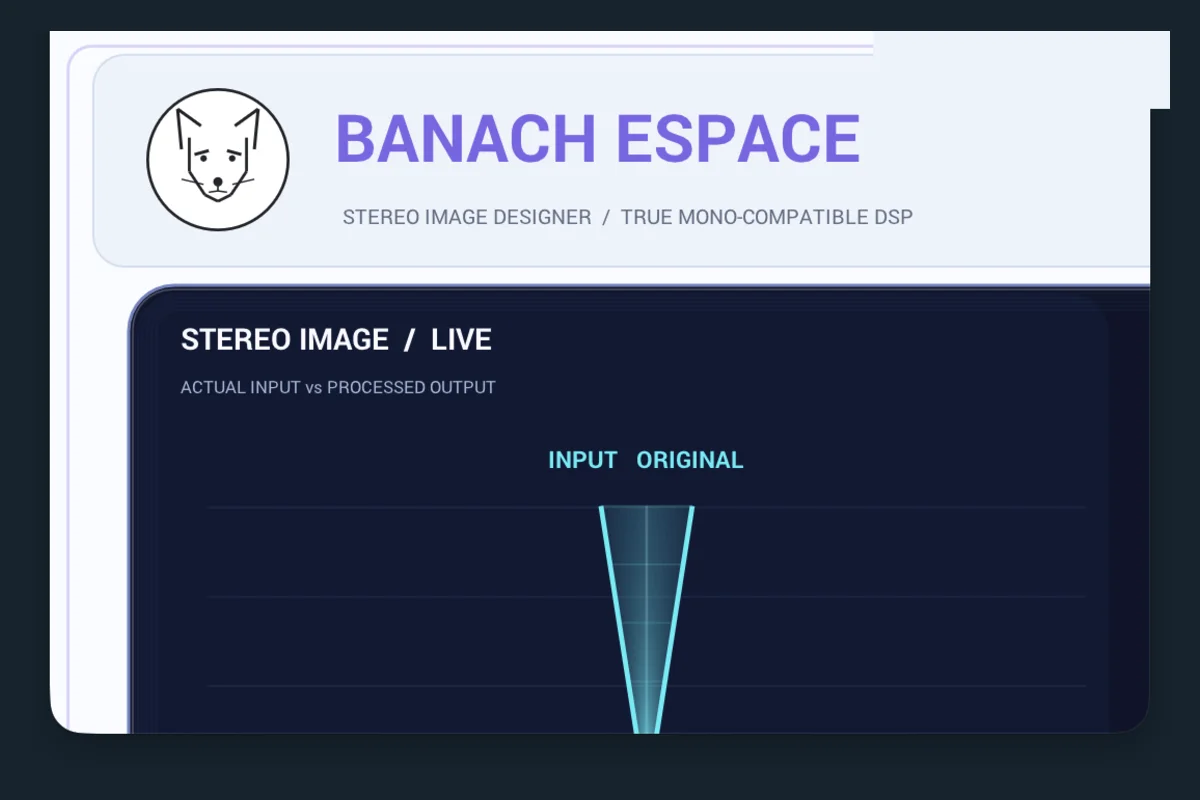
Actual BanachEspace plugin interface.
What can BanachEspace do?
Compare the Input Original and Output Expanded stereo-image panels.
Shape stereo Width, Bass Focus, Spatial Depth and Transient Guard.
Check Phase Guard and Mono Check before adjusting output trim.
Getting started: Compare both stereo views while varying Width and Depth, then check the phase and mono settings.
Everything is free
Get the complete BanachEspace AUv2/VST3 ZIP and generate your personal One Shot activation code. You may activate on one Mac; after the first successful activation it works offline and covers all 29 plugins.
Your private Secure Enclave key stays on the Mac, not on this site.
STEP 1 · DOWNLOAD AND INSTALL THE PLUGIN
Download and install BanachEspace
Download the plugin ZIP using the yellow button and unzip it in your Downloads folder. Close your DAW before installing.
AUv2: Copy BanachEspace.component from the AU folder to ~/Library/Audio/Plug-Ins/Components/.
VST3: Copy BanachEspace.vst3 from the VST3 folder to ~/Library/Audio/Plug-Ins/VST3/.
Install the format your DAW uses, or both formats if needed.
STEP 2 · GENERATE AND DOWNLOAD YOUR CODE TXT ONLINE
Generate your personal One Shot code online and download the TXT
One Shot is an online code-generation service, not an application to install. One code covers all 29 DELGHE AUDIO plugins, free and permanently. It becomes associated with the first Mac on which you activate it. Keep it private so you can restore the license on that same Mac.
Accept the license to generate your code.
YOUR PERSONAL ONE SHOT ACTIVATION CODE
Keep the TXT private. Paste the code when you first open any DELGHE AUDIO plugin in your DAW.
STEP 3 · OPEN YOUR DAW AND ACTIVATE
Open your DAW, load BanachEspace, and enter your activation code
Open Ableton Live, Logic Pro, REAPER, or another compatible DAW. Rescan installed plugins if necessary and load BanachEspace on a track.
When the One Shot activation window appears, open the TXT downloaded in Step 2. Copy the code → paste it into the plugin → click Activate. Internet access is required for first activation.
After a successful first activation, the license is used on the same Mac, including offline. You do not need to enter the code on every launch.
REINSTALLING ON THE SAME MAC
If you delete and reinstall this plugin on the same Mac, use the same original One Shot code from your saved TXT. The existing permanent license is restored for that Mac; it is not a new activation. Do not generate a new code just because you reinstalled the plugin. The code cannot be used on another Mac.
If your original Mac security key has been erased, or you replaced the Mac, recovery cannot happen automatically.
IF MACOS BLOCKS THE PLUGIN
First try opening the plugin you downloaded from delgheaudio.com. If macOS blocks it, dismiss the warning and follow this path:
APPLE MENU → SYSTEM SETTINGS → PRIVACY & SECURITY → SECURITY → OPEN ANYWAY → OPEN
Scroll down to Security, click Open Anyway only for the specific trusted DELGHE AUDIO item that was blocked (if macOS offers it), confirm Open, and authenticate if requested. Then reopen your DAW and load the plugin.
Safety: The Open Anyway option may not appear. Do not override malware or damaged-app warnings, and never disable Gatekeeper or other system protections.